How to Use Code Connection in Minecraft and Other Utilities
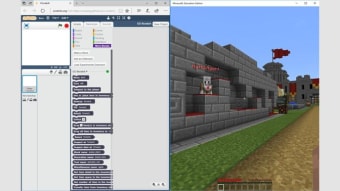
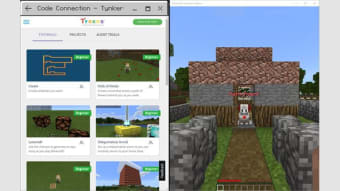
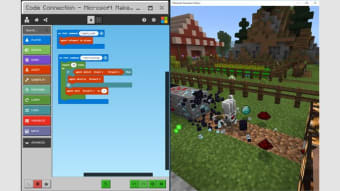
To use the Code Connection application, you should go to the "Setup" menu and choose the 'Add new project' option. In the "File' tab, you can choose the editor you want to use. The default editor is MakeCode. If you prefer another editor, you can click 'New' to create a new project. To use Code Connection in Minecraft, you can copy the URL of the Minecraft server to the clipboard.
To use the Code Connection, you must have a copy of Minecraft. The /code command will try to launch the application. Once the application has launched, you can use the program to explore the code and write your own programs. The best part about Code Connection is that it supports up to 10 Windows 10 devices. Once installed, you can play with code and explore its possibilities. This app is also compatible with Minecraft PE, Xbox One, PS4, Nintendo Switch, and Windows 10 editions.
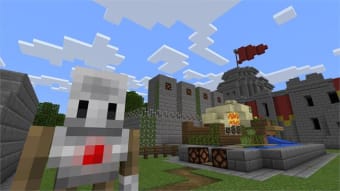
The Code Connection is an app that connects educators and students with Code Builder. This tool is available by typing '/code' into the command console. It allows you to create mini-games and modify gameplay behavior. The app is similar to other Minecraft apps such as Skin Stealer, Modinstaller, and Quest Code Tester for Oracle. By connecting with the Code Connection, you can create a unique experience for your learners.